lil' ipsum.
The app designers loved stopped working
I hit this one constantly, and it’s dumb. I’m mid-layout, I need a paragraph of filler to see how the type breathes, and every time it’s the same sad little ritual: new browser tab, google “lorem ipsum” for the thousandth time, land on some ad-choked generator, copy, paste, close the tab. All for a paragraph of fake latin.
There used to be a better way. A menu bar app called LittleIpsum did exactly this in one click, and designers loved it. Then it stopped getting updates in 2017 and quietly stopped working on modern Macs. Nobody replaced it, so we all drifted back to the tabs.
The content was the product
The filler itself always nagged at me. Same latin, every project, and you end up staring at it for hours. If I had to look at fake text all day, I wanted it to be text I’d actually enjoy.
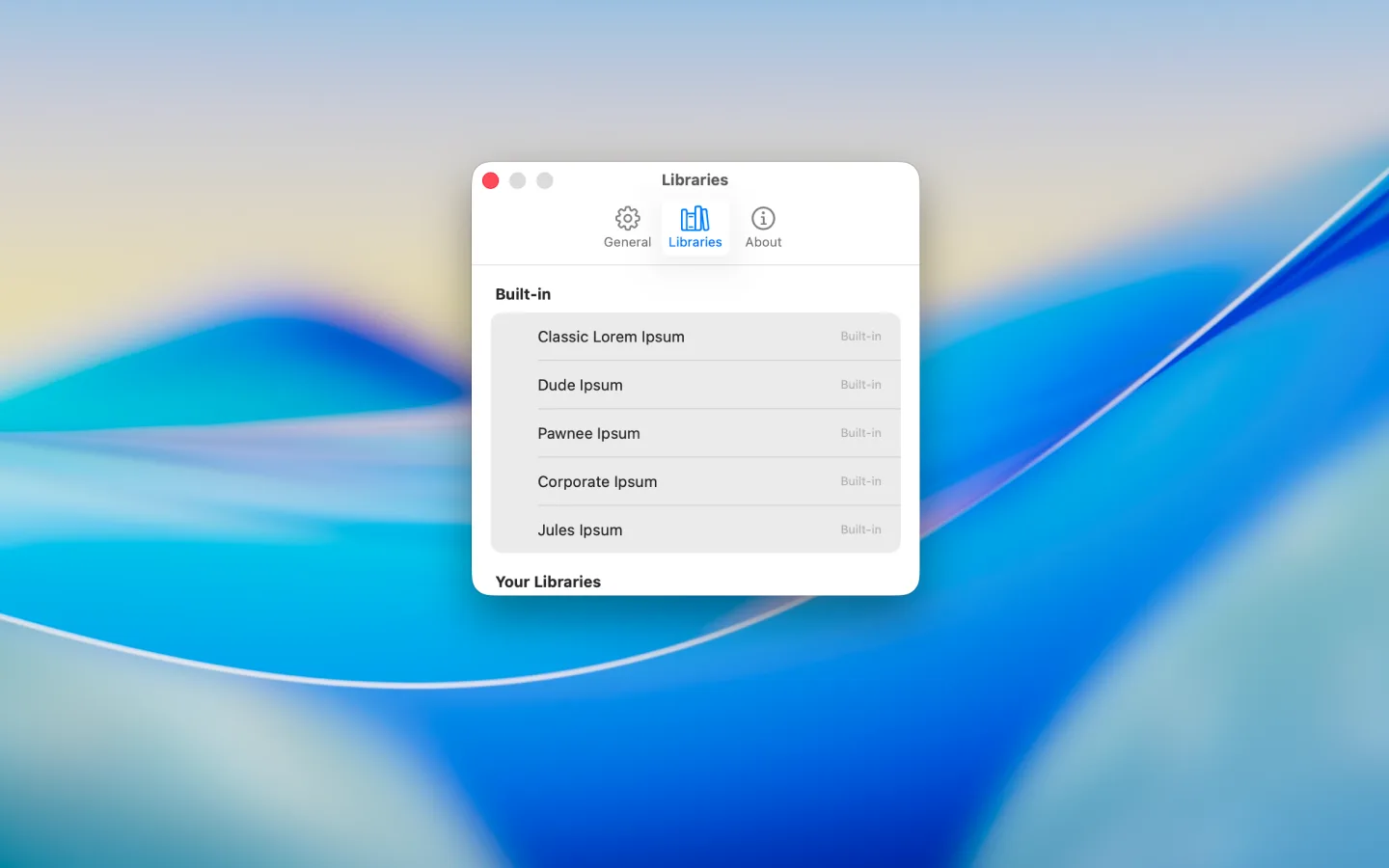
Anybody can generate lorem ipsum. The reason to use this one is the flavor, so that’s where the real work went. It ships with five libraries. Classic Lorem Ipsum for when you need to keep it straight. Dude Ipsum, which is all Big Lebowski. Pawnee Ipsum, small-town waffle enthusiasm. Corporate Ipsum, full of agentic-workflow buzzwords. And Jules Ipsum, righteous monologues with attitude. I curated and rewrote them until they read right, real quotes, complete sentences. The Pawnee set alone is 798 lines.
None of those your thing? Drop in any plain text file and it becomes your own library.
It should feel like it belongs on your Mac
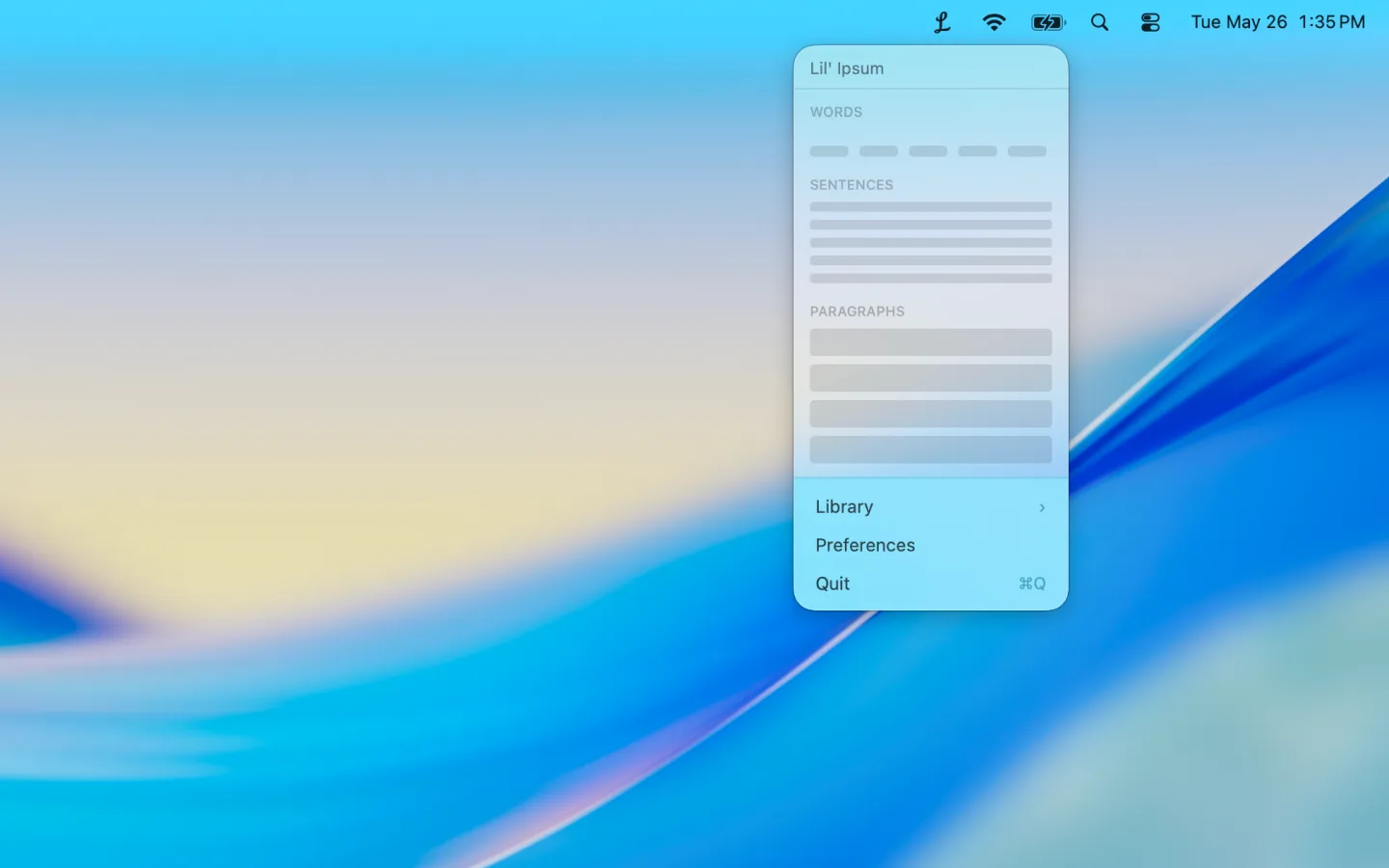
There’s a little cursive “L” up in your menu bar, nothing to open. Click it, hover over the bars to pick how much you want, words, sentences, or paragraphs, one through five. Click and it’s on your clipboard. There’s a hotkey too, ⌘⇧L from any app, if you don’t want to reach for the mouse. It never shows up in your Dock.
No Electron, no web view stuffed in a window. It’s Swift, with a custom panel instead of the default popover so I could shape it exactly how I wanted, and the hover-to-preview bars are the interaction I designed for it.
If you’re doing web work you can wrap each copy in the html tag you want, a different one for words, sentences, and paragraphs.
Built in a day, shipped for real
The bulk of it went from empty folder to working app in one sitting. Then I gave it a proper name and a real icon, and put it on the Mac App Store. It’s free.
The old LittleIpsum is dead but the name still floats around design roundups, so I wanted something in that lineage without cloning it. Lil’ Ipsum. Tagline: placeholder text with personality.