marq.
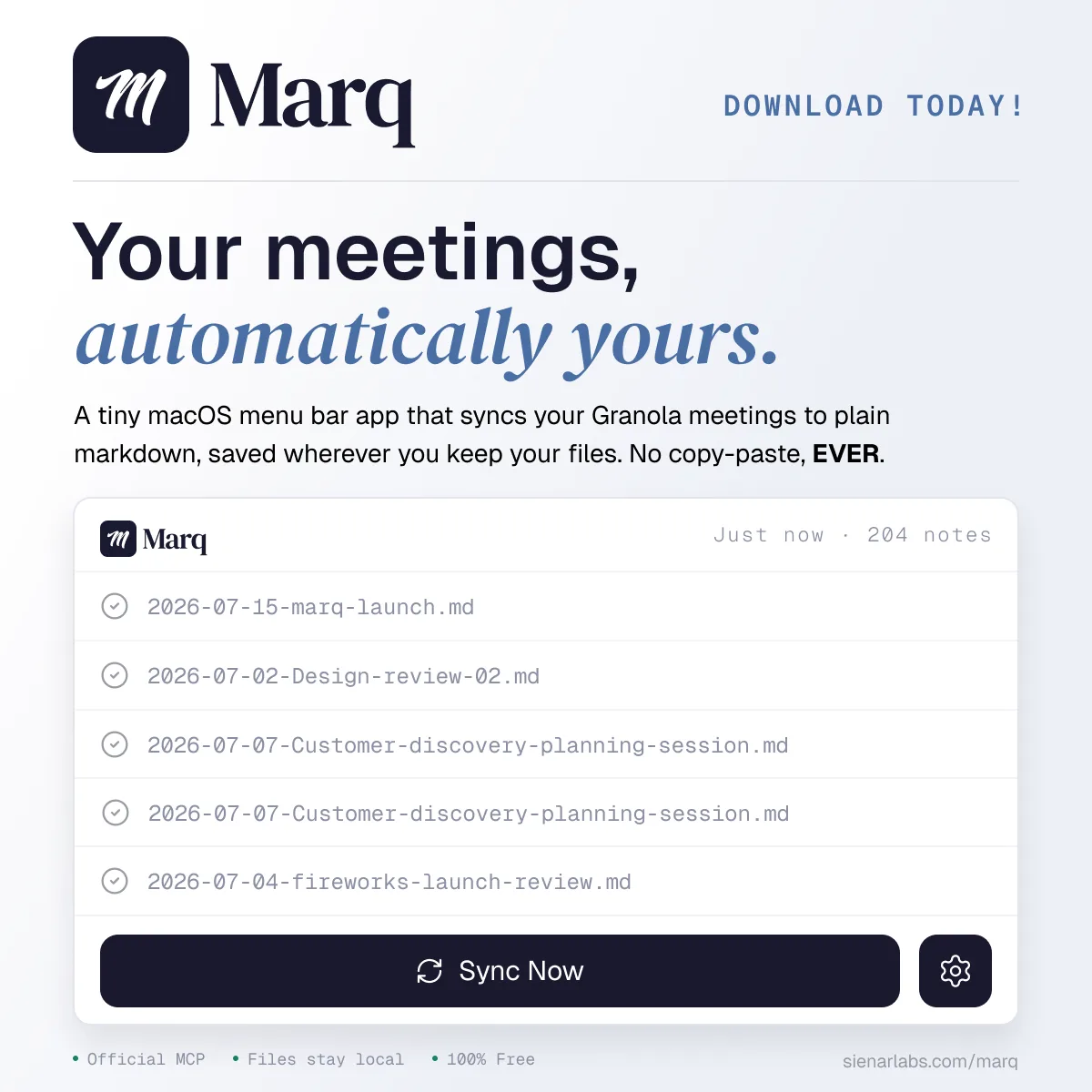
My meeting notes were the one thing I couldn't keep
Almost every meeting I take runs through Granola. Love it. But for the longest time, keeping my own copy meant pasting transcripts and AI summaries into markdown by hand. EVERY. SINGLE. MEETING. Exhausting.
Everything else I work in is already plain markdown, in a folder I own. Files I can open in anything and keep for as long as I want. My meeting notes lived inside Granola, and nowhere else.
Then in February, Granola looked about to put syncing behind a paywall. That was the push. If a tool I lean on is going to gate my own notes, I’d rather keep my own copy.
Every workaround was more app than the job needed
I didn’t jump straight to an app. I tried a few workarounds first.
- A Claude skill.
I’d written one before this project existed. It handled the copy step, but I still had to run it.
- The Obsidian Granola Sync plugin.
Used it directly for a while. It worked, and it pulled the content the same way I’d end up needing to. But it was bloated, way too many features, and it only ran when Obsidian was open.
- My own command-line tool.
Small, mine, simple. Better. But I still had to run it. I wanted something that ran itself.
Simplicity was the spec
So the whole brief for Marq was subtraction. No window, no dashboard. Marq is a tiny macOS menu-bar app. There’s an “m” up in your menu bar and nothing to open. It watches for new meetings and drops each one into a folder you pick, one clean markdown file, with the AI summary as the body. You pick where they save, set the sync interval, and forget about it. If you live in Obsidian or markdown like I do, it slots right in.
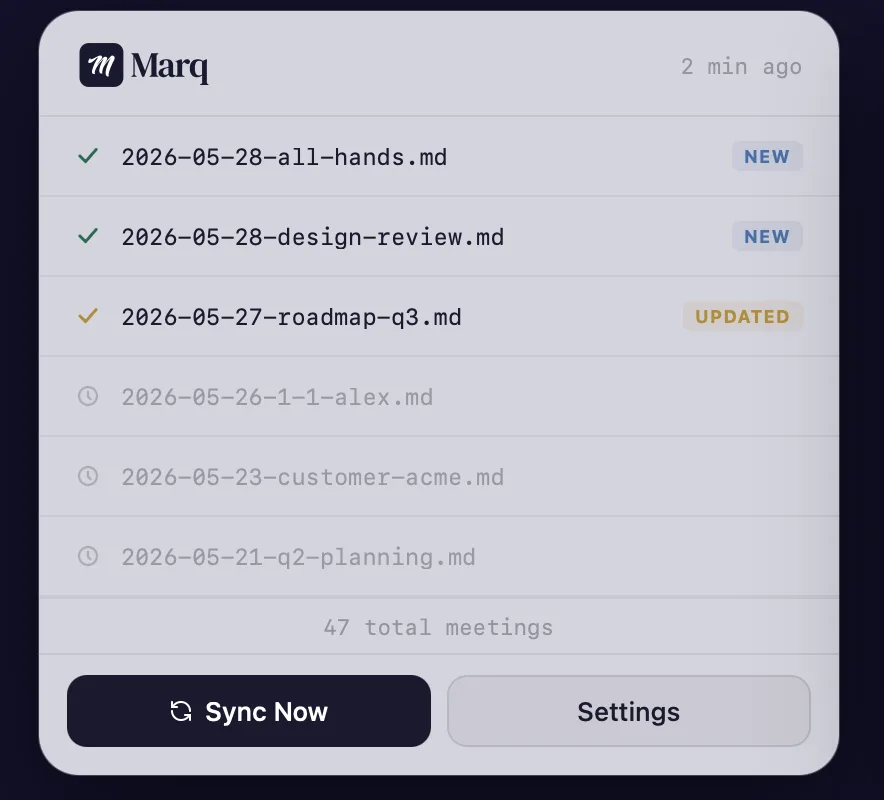
Marq isn’t an AI product and doesn’t pretend to be.
It talks to Granola’s official MCP. That was on purpose. There were faster ways to grab the data, and I’d tried a few. The official way in is cleaner and more stable, and it’s the one I trust to keep working after Granola’s next update.
The rest is the boring stuff that makes a tool you can actually trust. Notes get written all at once, so a crash can’t leave you half a file. Name clashes get sorted instead of quietly overwriting each other. The NEW and UPDATED badges are accurate. There are tests wired to Granola’s format, so if they change something, I find out before you do. Signed, notarized, updates itself, like a real Mac app.
I designed around a working app
By the time Marq had a name or a face, it already ran on my machine every day. So I took the real, running thing into Claude Design as a studio. I named it, drew the mark, worked the wordmark and type live, then carried it into Claude Code to build for real. Function first, looks second.
My brand doc had banned serifs and handwritten type, but Marq’s mark is a brush “m” and the wordmark is a serif, because on screen they were just better. I spent as much time on what the mark shouldn’t be. Not a microphone, Marq doesn’t record. Not a sync arrow, syncing is the job, not the identity.
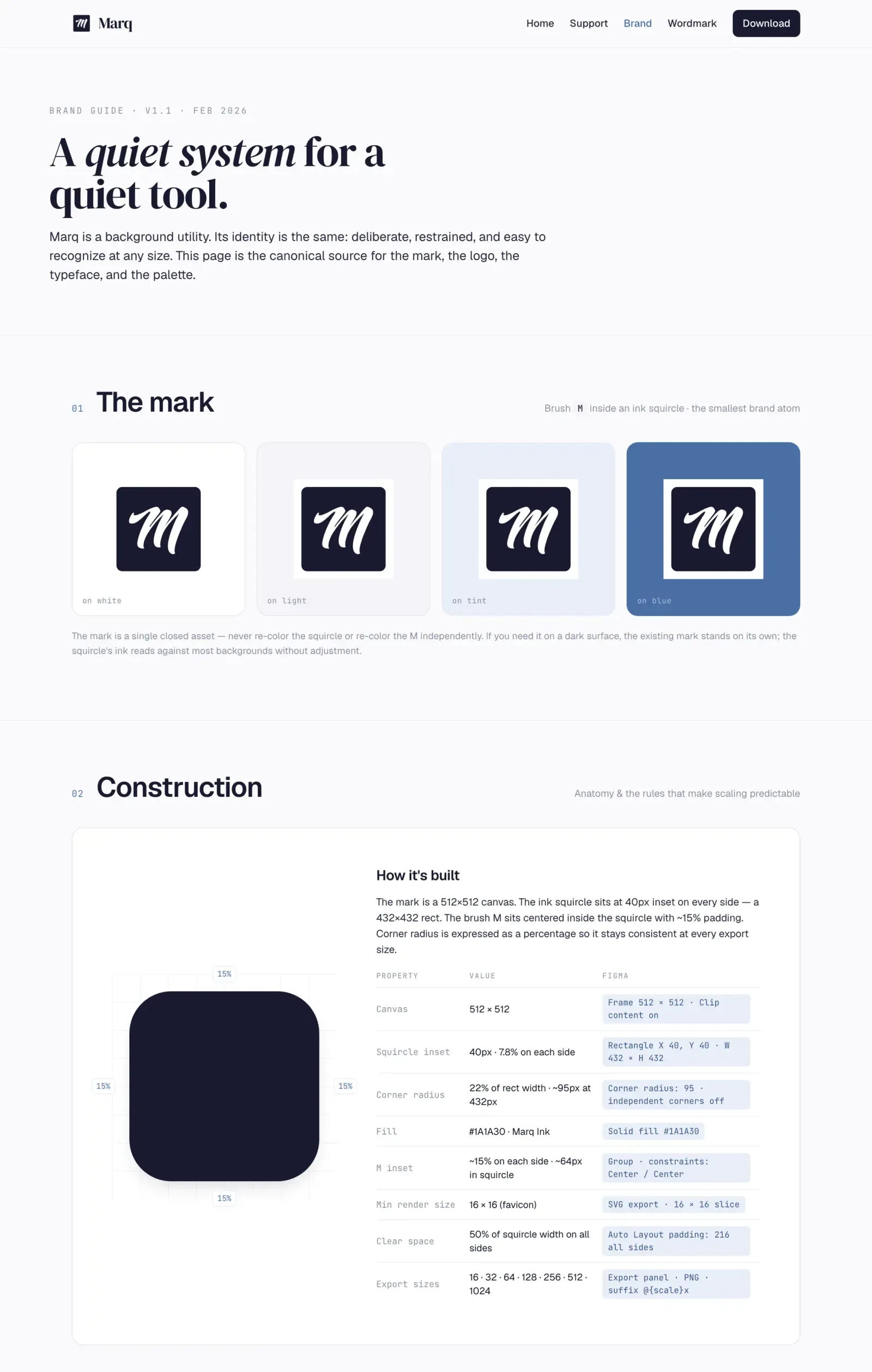
Light and dark mode to match your system, built on the macOS 26 design language.
Every meeting lands in my own folder
I ran it every day for months on my own meetings before it shipped. The bar was “I’d be annoyed to lose this.” Once I hit it, shipping was mostly plumbing. Rust core, Tauri shell, 77 tests, code signing, notarization, an updater I host myself.
Marq shipped in July 2026. No copy-paste, no lock-in, mine to keep, search, and back up like everything else I own.