I made the code the source of truth.
- Role
- running the Product organization, hands-on in the code
- Team
- design and front-end engineering
- Tools
- Storybook, Claude Code, Tailwind, Figma
- Outcome
- an AI-ready design system and component library

The agent never opens the design file
Code is King because it’s what gets released to the end user.
Raptor UI is StackHawk’s design system. I built it as the founding designer, and by the end I was running product. For most of that time the design file was the source of truth. You design it, hand it off, check that what shipped matches what you drew, then do it again on the next ticket. Rinse and repeat. Developers want the design to look like their code. Designers want the code to look like what they drew. It’s never worked. It’s never going to work, even with AI. It’s the same argument we’ve been having for decades.
So I stopped having it. There isn’t an argument anymore, because the agent builds from whatever you give it in the code.
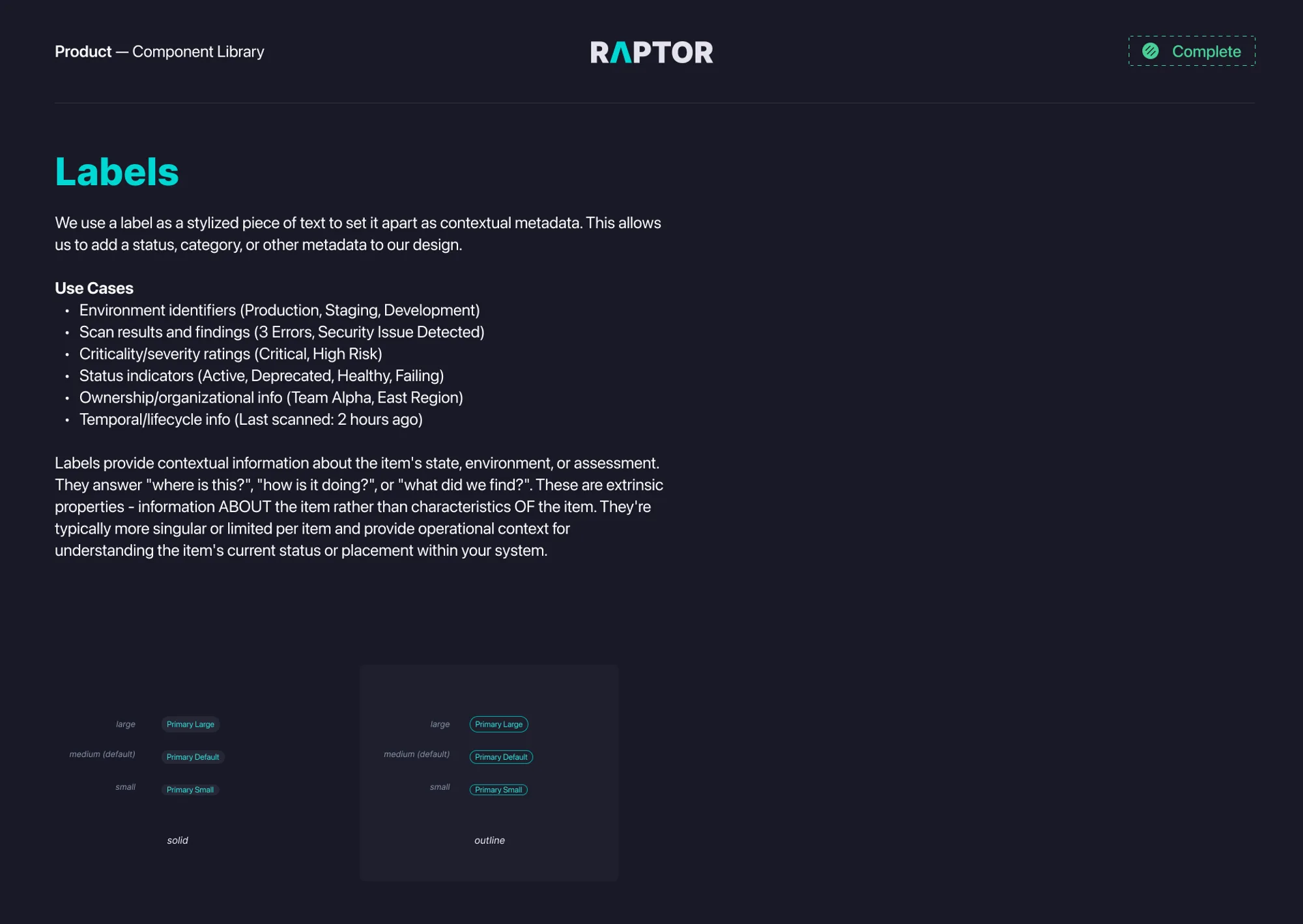
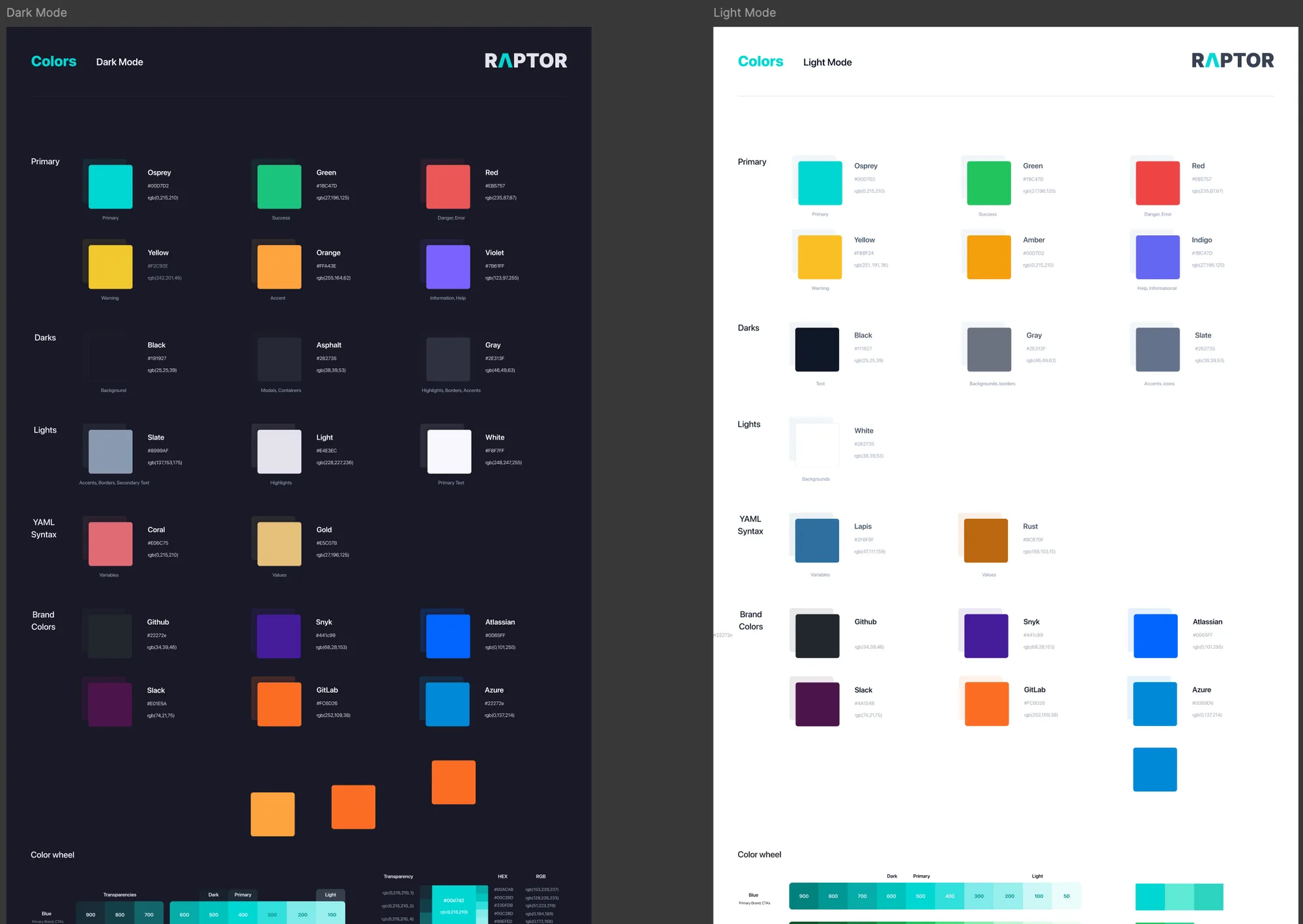
The component library is the source of truth
At the end of 2023 my team asked the front-end engineers how it was going. “A lot of design fixes get fixed in the feature and not the component.” “Sometimes we update the core component, sometimes we just do a one off.” “Color variables aren’t well managed.” “Don’t have a strong vision of how we approach UI development.”
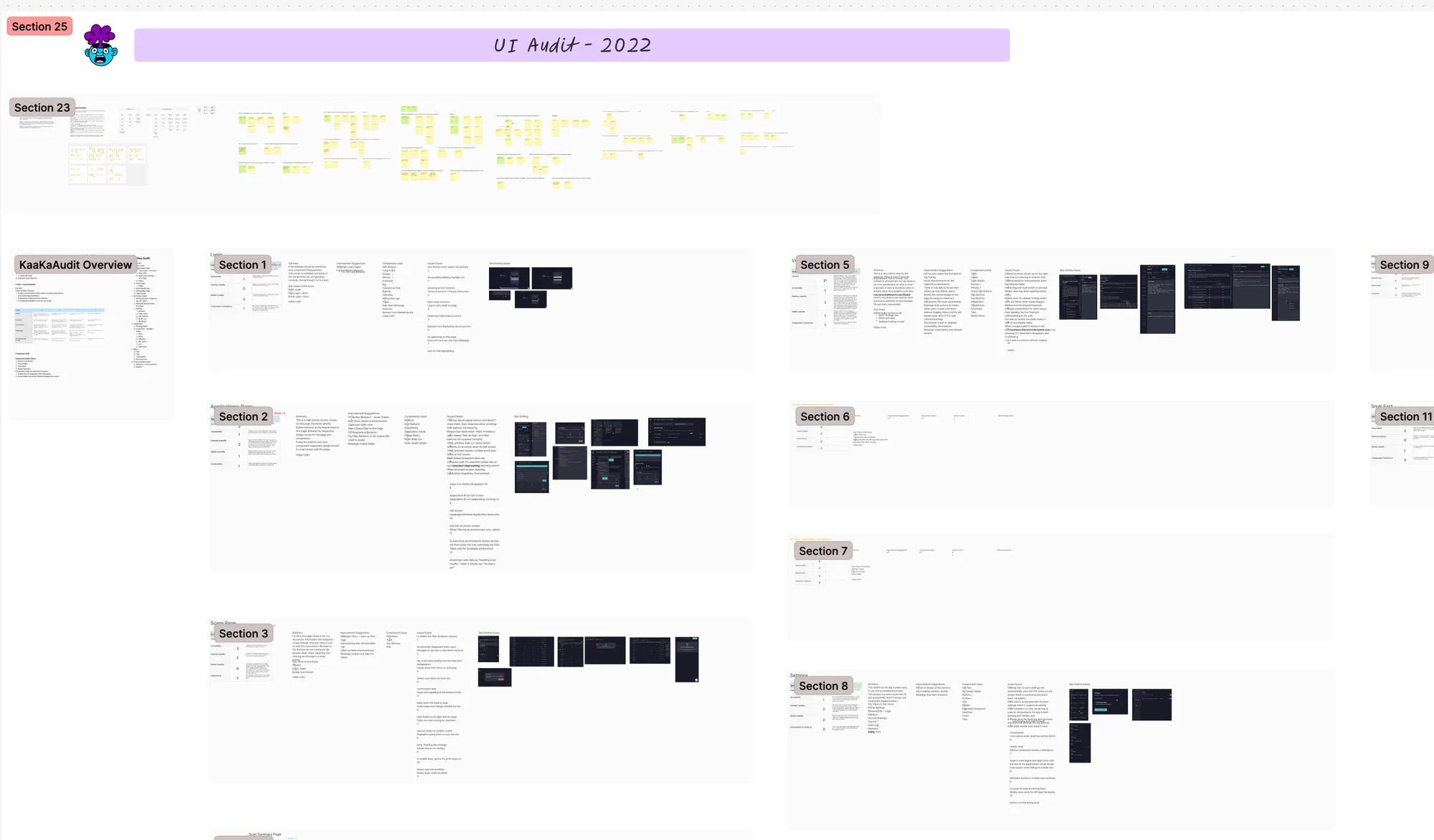
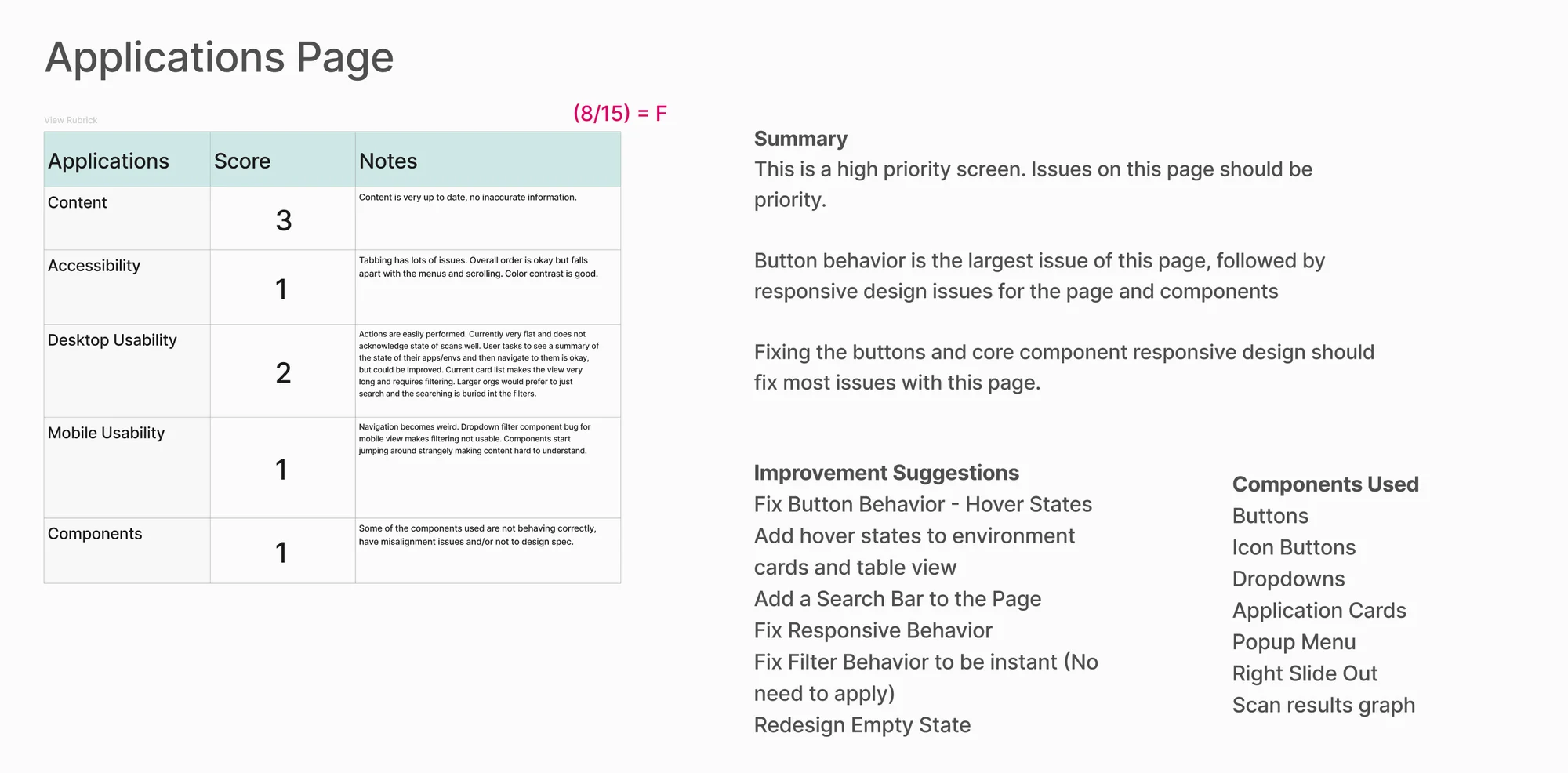
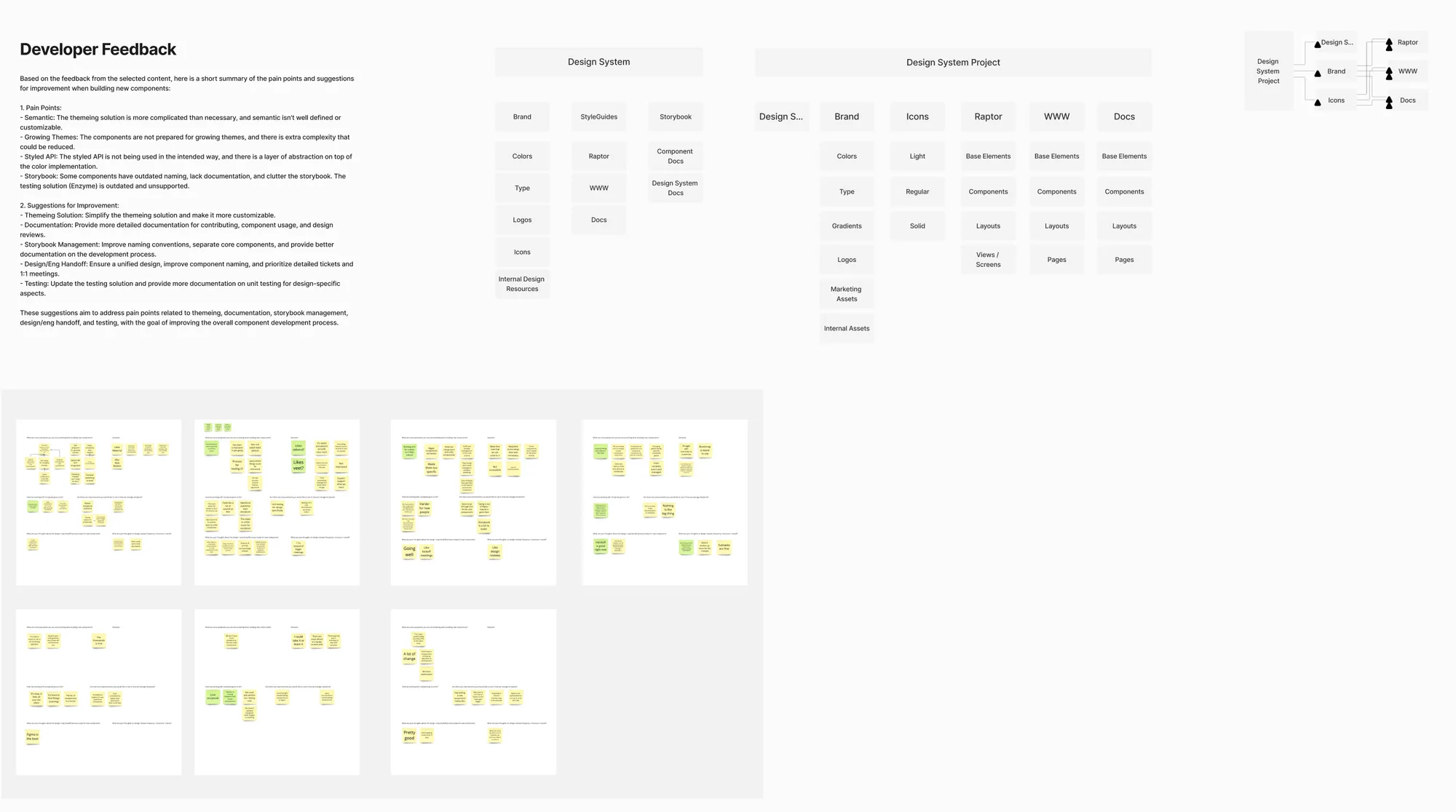
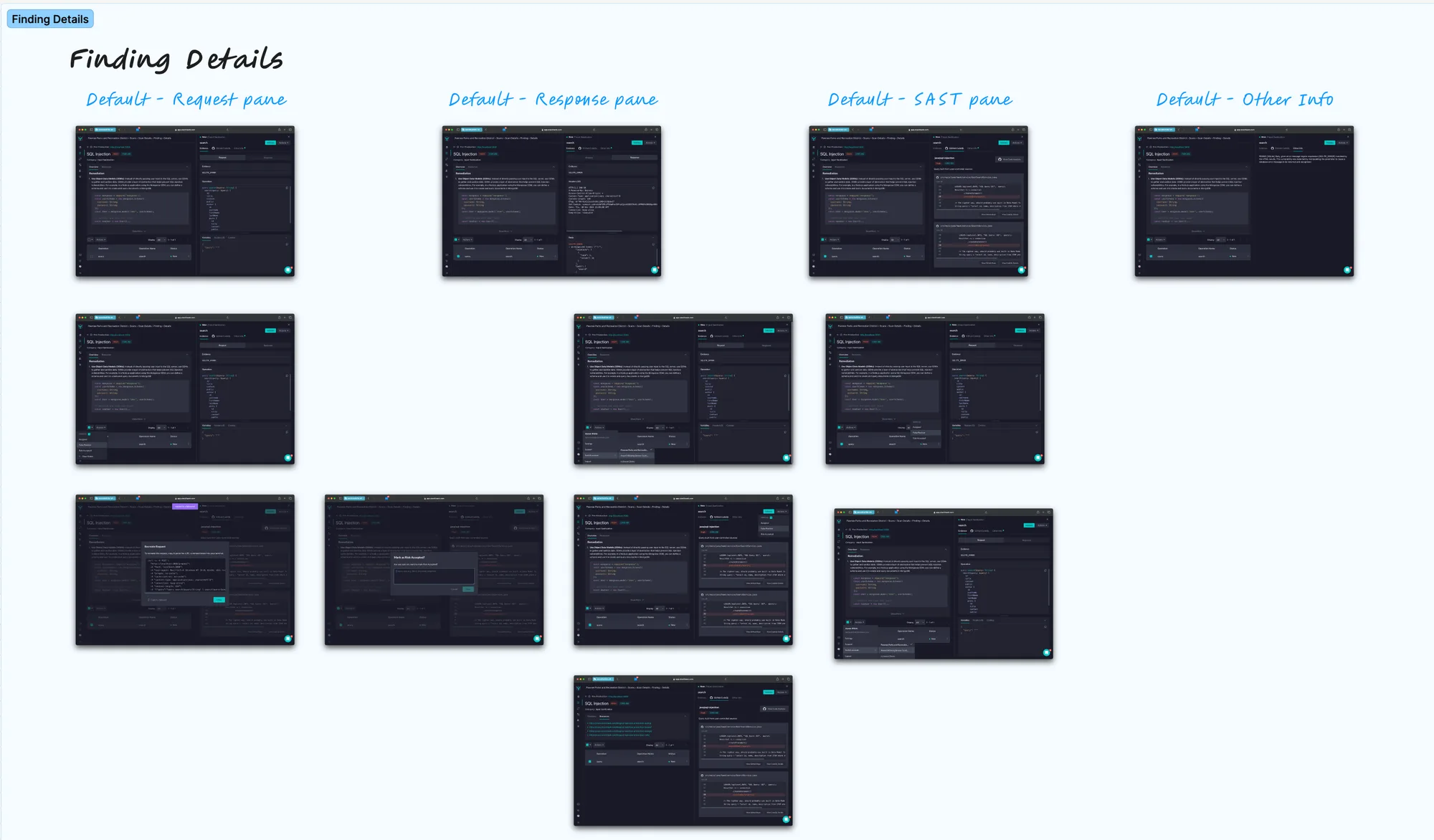
By the end of 2024 the leadership team had mandated that everyone in the entire company adopt AI and get more done. StackHawk needed to stay small, conserve cash, and ship faster with the team we had. A design system reads as tech debt, and the business never wanted to spend time on tech debt. But you can’t point AI at a bad foundation and expect it to build straight. A sixteenth of an inch off at the start, and by the end you’re six inches out and the wall isn’t square.
So I asked the team, how do we change Raptor and the design system to be better for AI? Give it something it can work with, not just let AI run wild.
In 2025 I told the team the component library is the source of truth. EVERY pixel and every line of code that ships has to be our design system. Design is the roadmap to what gets built, not the output. Code is the output, it’s what gets shipped to the user. It’s the artifact that gets created regardless of what you do in Figma. It’s the thing that gets consumed by other teams. It’s the one thing that actually winds up in production.
Designing and building Raptor for AI
We fought the tooling first, and a lot of teams still are. We tried Claude Design, pencil.dev, paper.design, and Figma’s own tools. Figma’s AI was limited and its MCP server was hard to work with, so the engineers couldn’t reliably get what we needed out of it. The engineers burned a boatload of tokens trying to get AI to build what we needed. I finally realized that nothing was going to work with a design system the agents couldn’t make sense of.
One agent reached for a stale legacy color file instead of the live one. One pull request repeated the same markup six times, because the generic page layouts that would have prevented it were never built. A person would have worked around the stale file or asked somebody who knew. Agents take what you give them and build on it.
The engineers had been chipping away at the rebuild for years. They spent two of them pulling Semantic UI out a piece at a time, in chunks small enough to ship alongside customer features. Then I started on a Saturday afternoon, and spent nine days and 68 commits in Storybook with Claude Code getting the library ready for agents. I wrote down what a finished component looks like: every prop typed and described, a note on the component saying what it’s for, a playground to try it in, and stories that show how the product actually uses it. Then I ran agents in parallel against that standard and brought 26 components up to it in one pass. I flattened the colors from light and dark versions of every shade to one numbered scale, and wrote down what each one means, so an agent reaching for red knows it means error. Stuff I couldn’t fix right then, like two components doing the same job, I wrote down in the code so somebody could come back to it. I mapped what the product actually used, 882 imports across 77 components, so we knew what was holding the house up and what we could rip out.
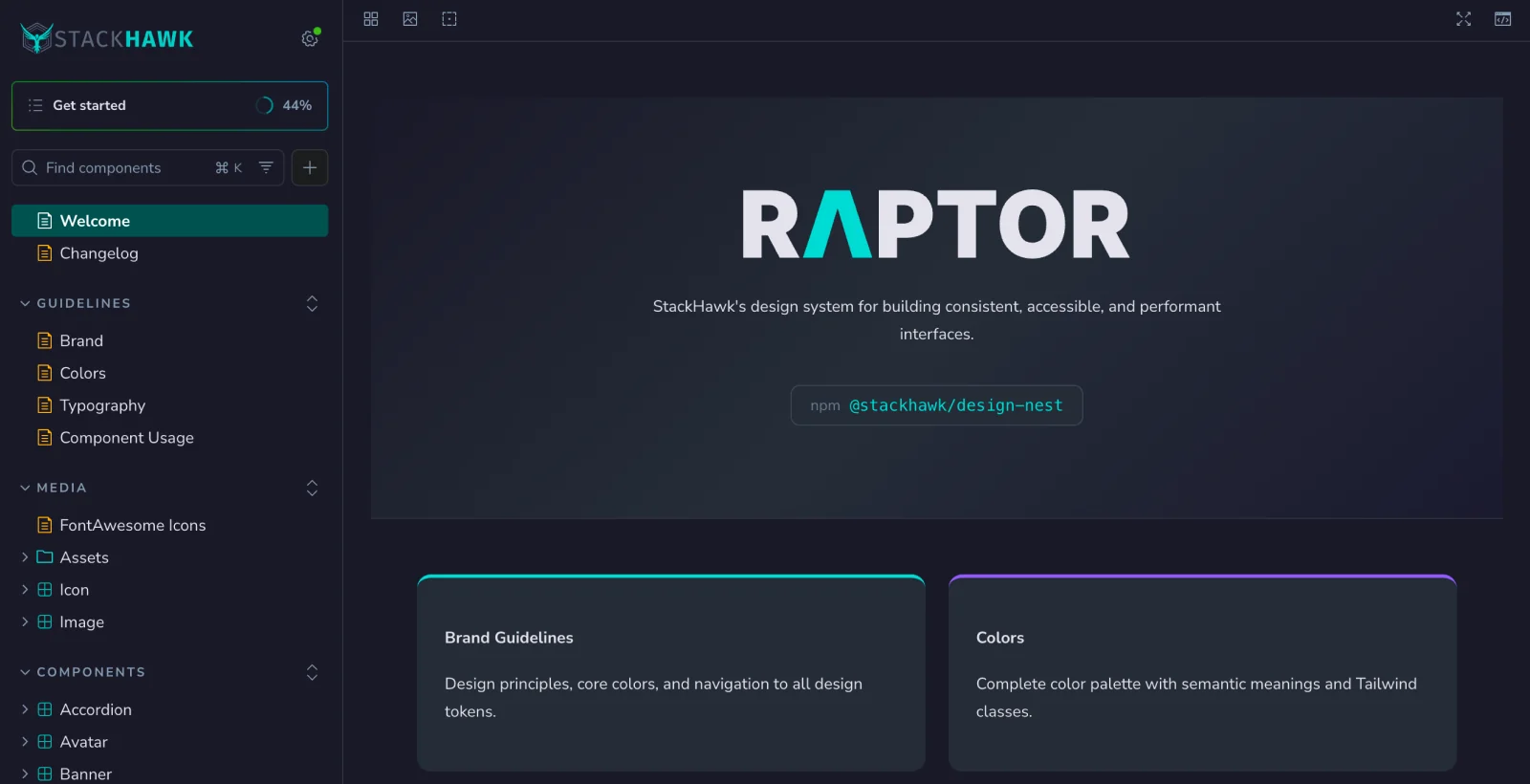
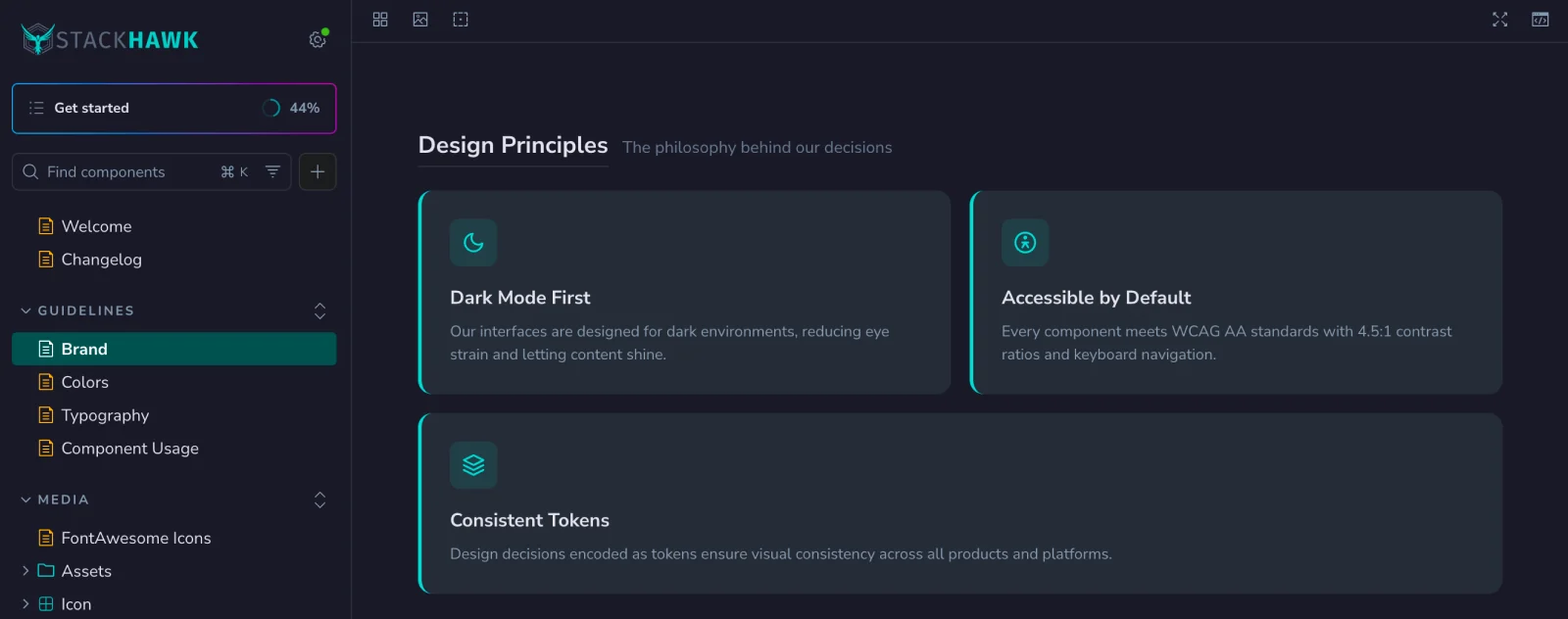
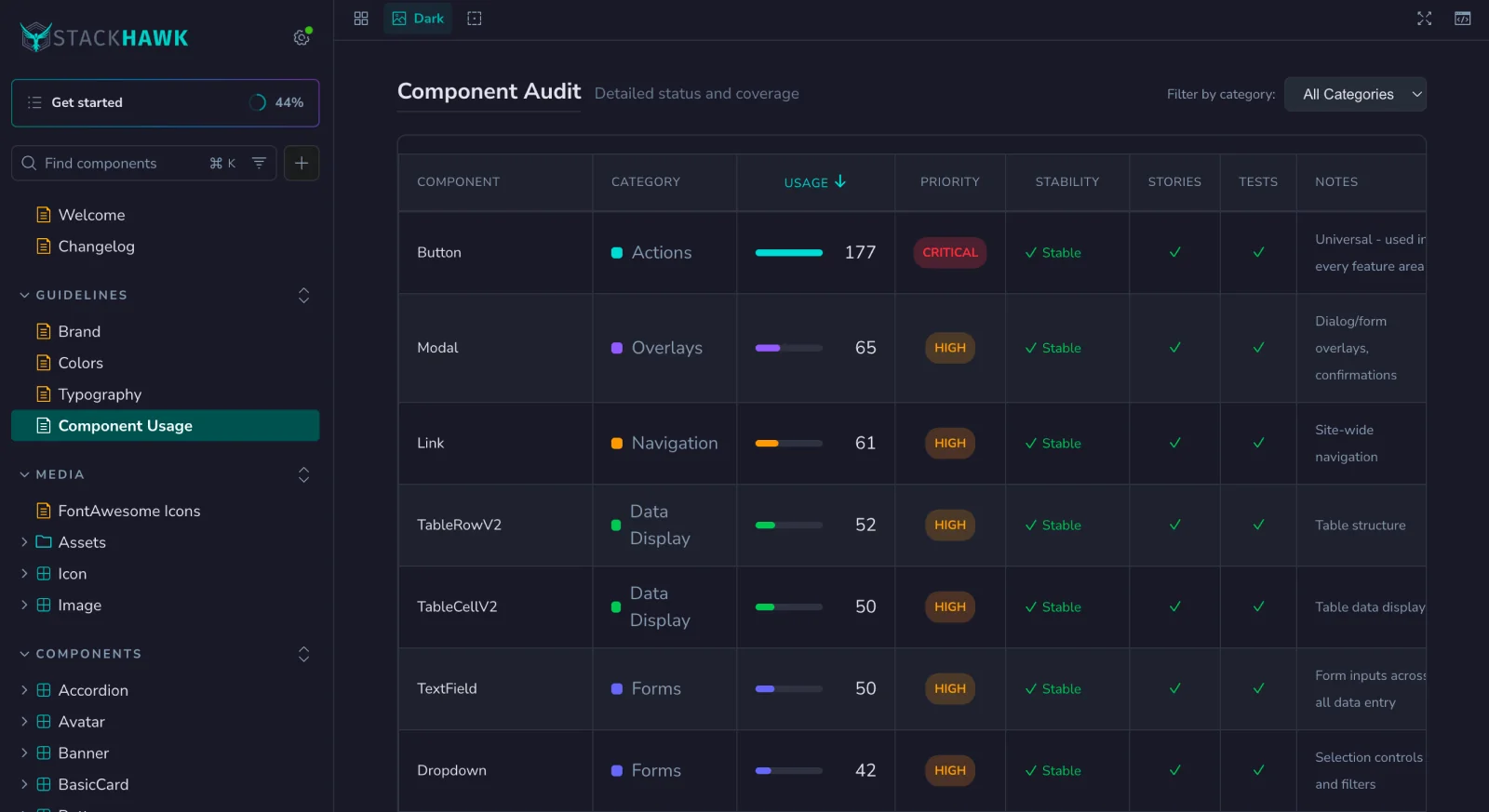
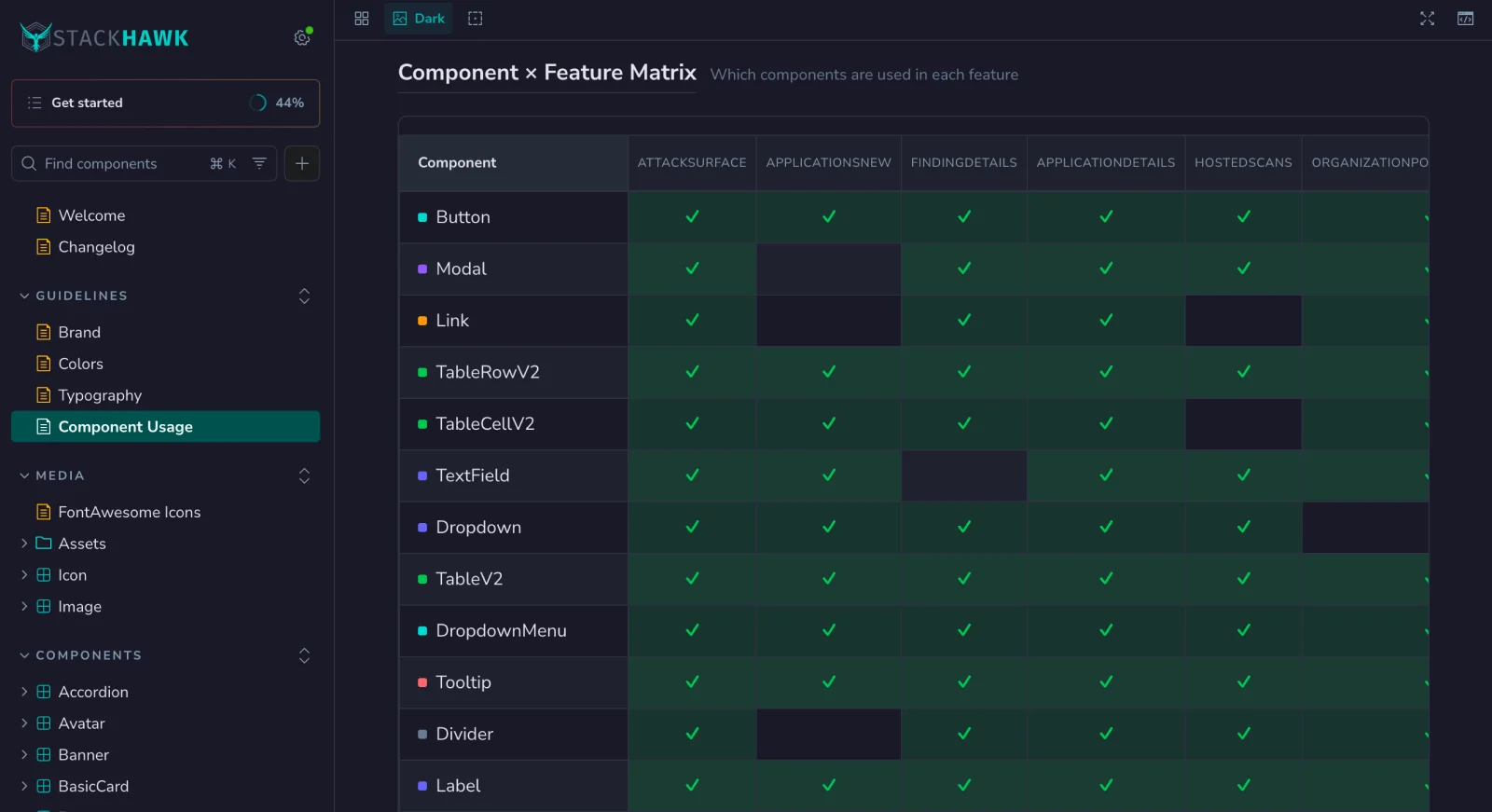
An engineer suggested a script to keep the map current. I tried one. It found four components and broke the map. Telling whether a component is deprecated, unused, or alive only on the login pages takes judgment. So I threw the script out and wrote a procedure the next agent follows instead.
That really gave Claude Code a much better baseline for the team to start cranking and cranking and cranking.
The design was already in the code
On the last feature I worked on at StackHawk, AI built the UI with no design phase. It worked from the Raptor components, a design.md file, and Storybook showing how each one gets used. It went really, really quickly, and the front-end engineers weren’t stuck cleaning up after it.
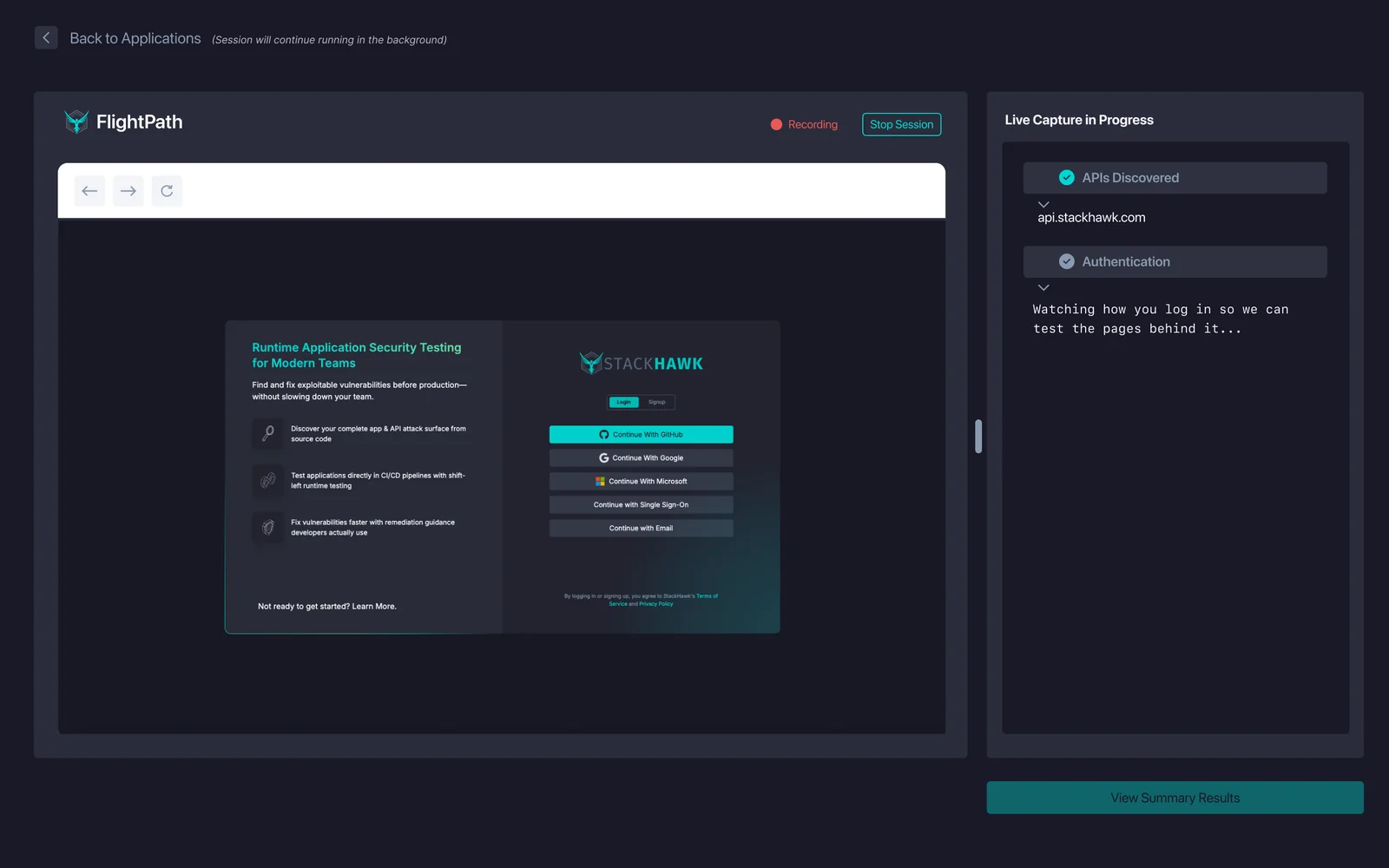
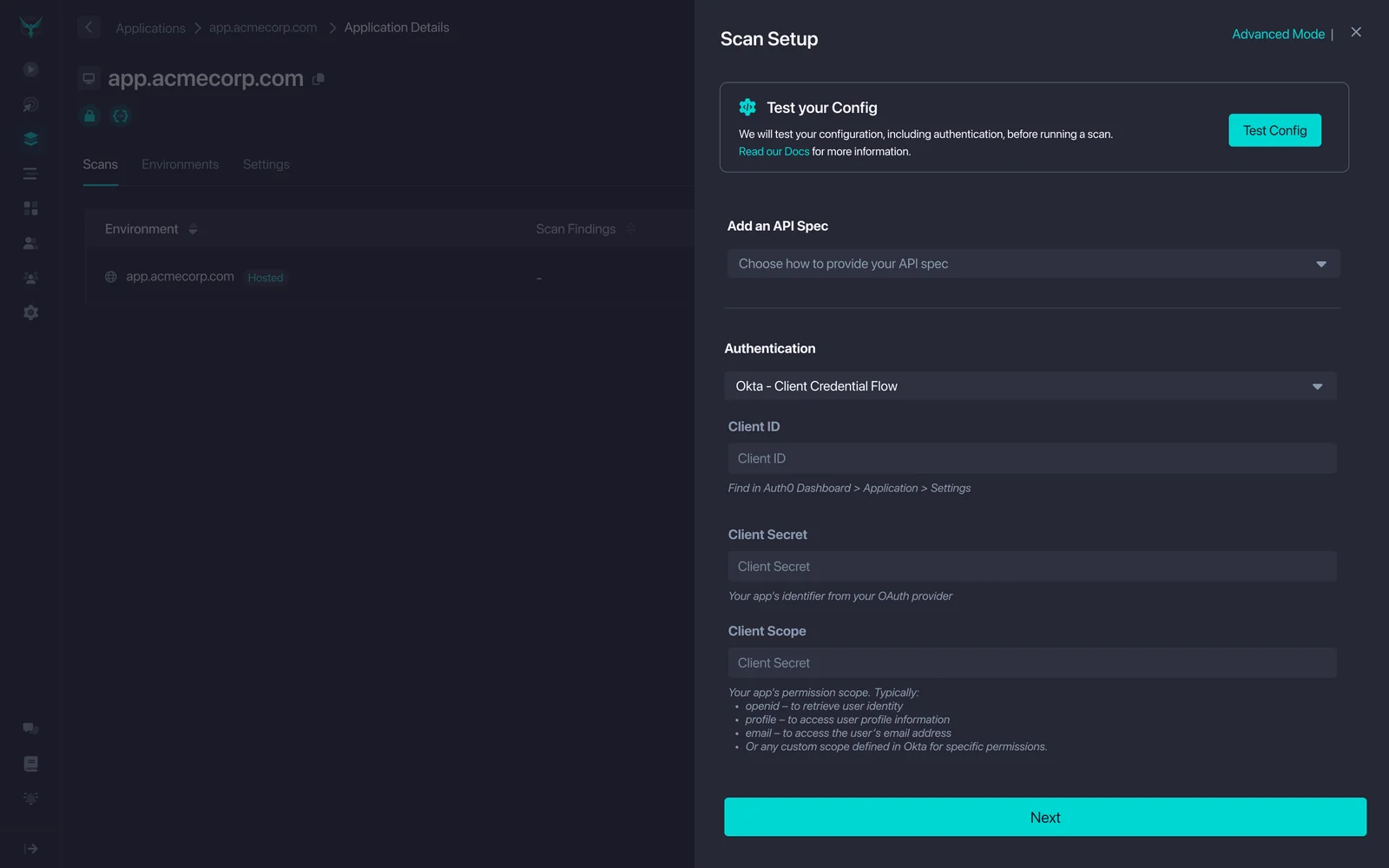
Our product designer spent that time on onboarding instead of pushing pixels. To see a single finding, a new user had to download our scanner, learn how it works, write YAML, and set up authentication. Between January and March 2026 the designer rebuilt that path. Forms replaced the YAML, and authentication got captured from a browser login instead of configured by hand. That’s the feature AI built the UI for. The engineers iterated with the designer directly in code.