PM toolkit.
The PM work never lived in my editor
I live in my editor.
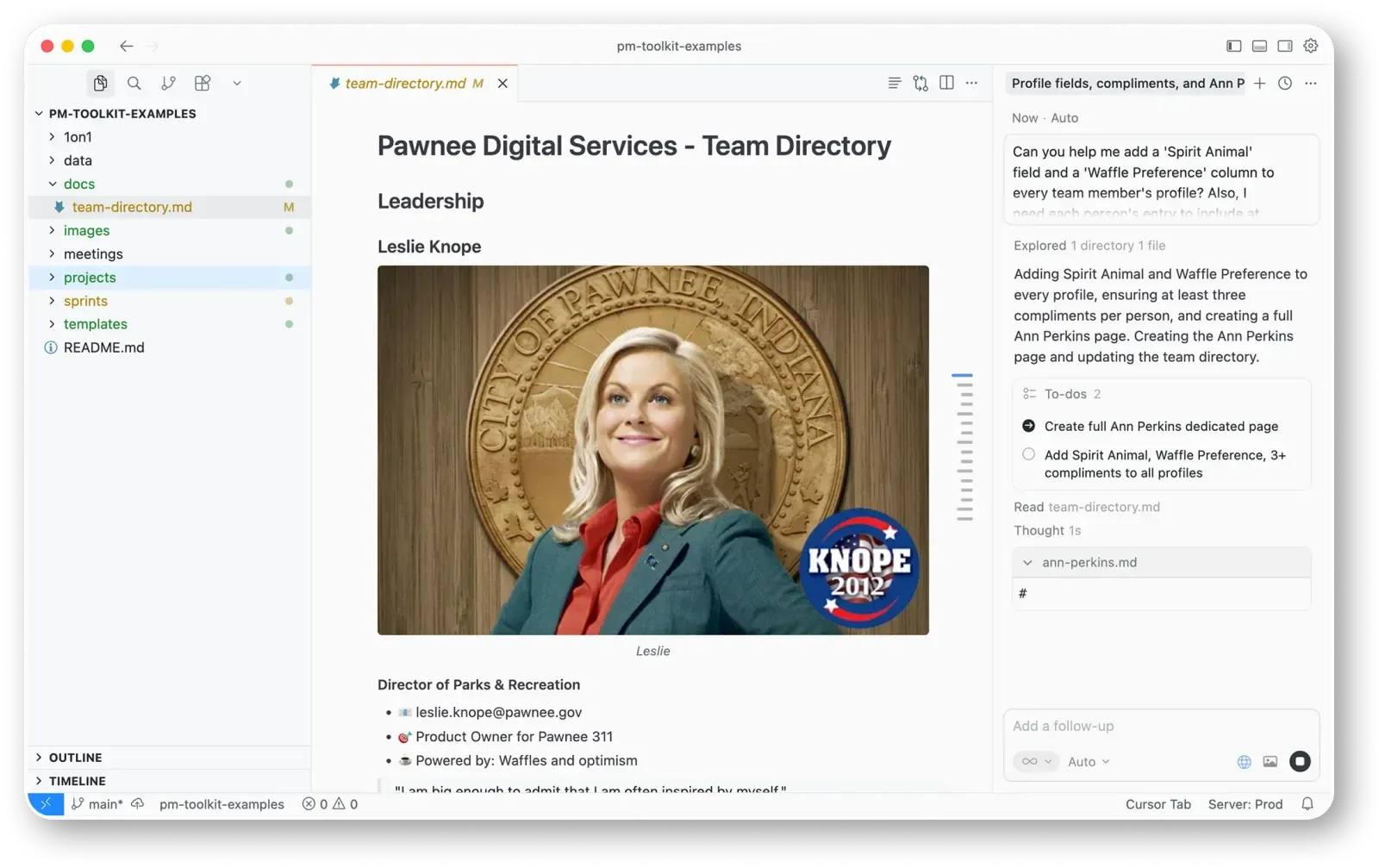
Cursor, VS Code, Claude Code, that’s where most of my day happens. My code is there, my agent is there, my context is there.
But the PM work never was. PRDs, specs, roadmaps, notes, all of it traditionally lives in web tools. Notion, Confluence, Jira. Good tools. But every time I needed to write a spec or update a doc, I had to leave the place I actually work, open a browser, click around, and come back.
You break flow every time. Your docs drift away from your code because they don’t live near it. And the agent right there next to me doesn’t reach the doc, because the doc is off in some other tab.
I wanted the PM work in the editor. Write the spec where I write the code. Keep the roadmap next to the code. Plain files I own, not rows in someone’s database.
Every doc stays a plain markdown file
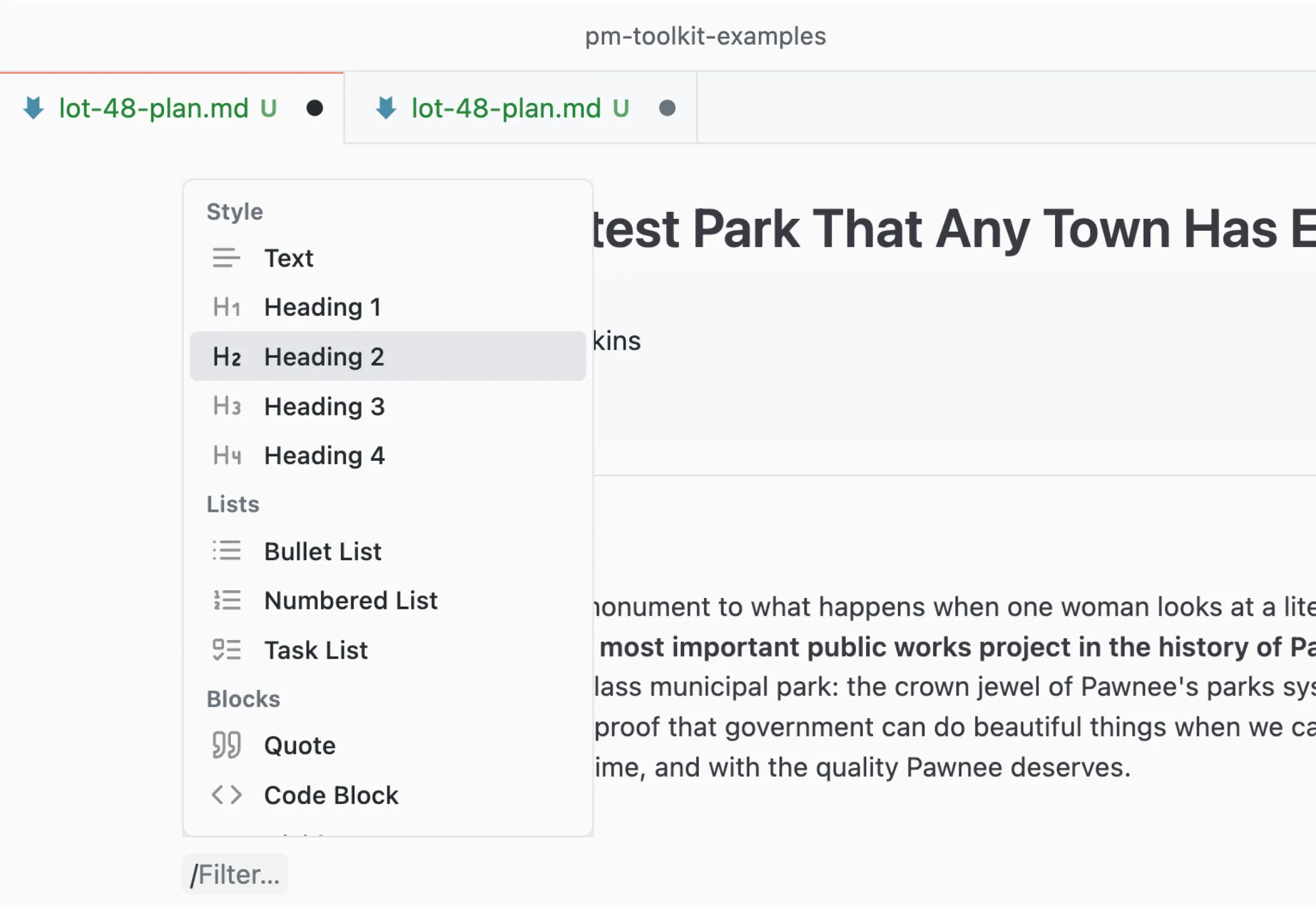
PM Toolkit is a Cursor and VS Code extension. Open any markdown file and you get a real visual editor instead of raw markdown. Type / for anything, headings, tables, images, diagrams. Select text and a little toolbar pops up to format it. Drop an image straight in. It reads and writes your actual .md files, so everything stays plain markdown, yours.
It also pulls in the PM workflows that usually force you out to a web app:
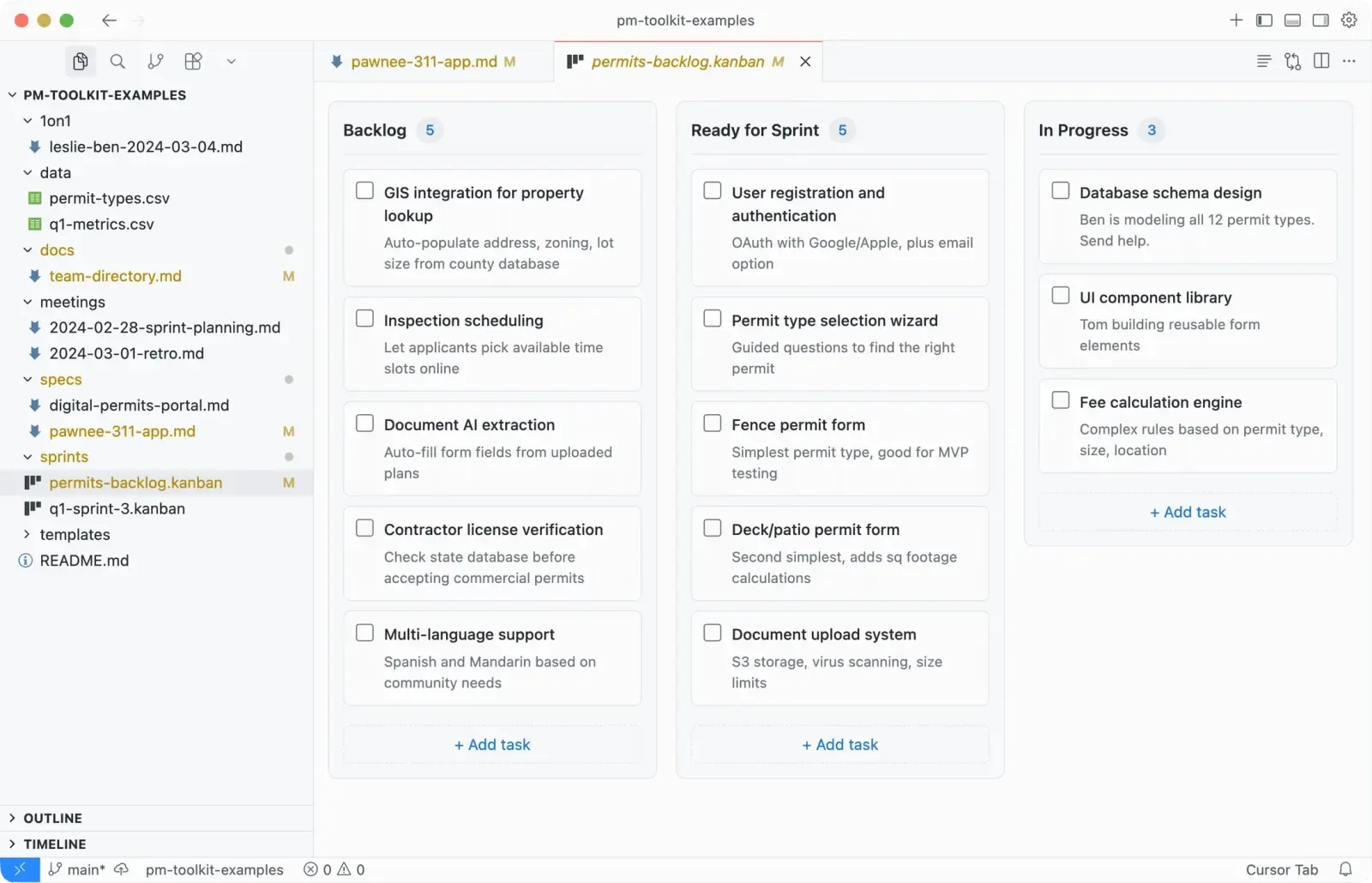
- Kanban boards
backed by plain markdown. Drag cards between columns, and it’s still just a file you can commit.
- Mermaid diagrams
that render inline. Flowcharts and sequences right in the doc, no separate tool.
- Document outline, templates, file viewers
for PDF, Word, Excel, and CSV, so you can read the attachment without jumping to Finder.
A writing tool has to feel right
If it doesn’t feel good, I won’t reach for it. Theme-aware so it matches your editor light or dark. A clean mint accent. Block handles you drag to reorder, tables with real controls, images you resize by dragging.
Every save gets validated before it touches your file, so a bad write can’t corrupt your doc. I rebuilt it on React 18 and Tiptap, backed by a big pile of end-to-end tests wired to the format.
I used it on my own specs first
I built the tool I needed, then made it good enough for other people. I used it on my own docs first, real specs and roadmaps, and kept at it until it was the thing I reached for instead of the browser.
I shipped the extension and the marketing site, both mine. TypeScript extension on one branch, an Astro site on another, published to two marketplaces, versioned, changelogged, released over and over.
PM Toolkit is free and open source, on Open VSX for Cursor and the VS Code Marketplace, with a marketing site and docs at getpmtoolkit.com.